> For the complete documentation index, see [llms.txt](https://help.datamidsouth.org/llms.txt). Markdown versions of documentation pages are available by appending `.md` to page URLs; this page is available as [Markdown](https://help.datamidsouth.org/data-midsouth-portal/getting-started/welcome.md).

# Welcome

## Getting started: Find and Use Local Data

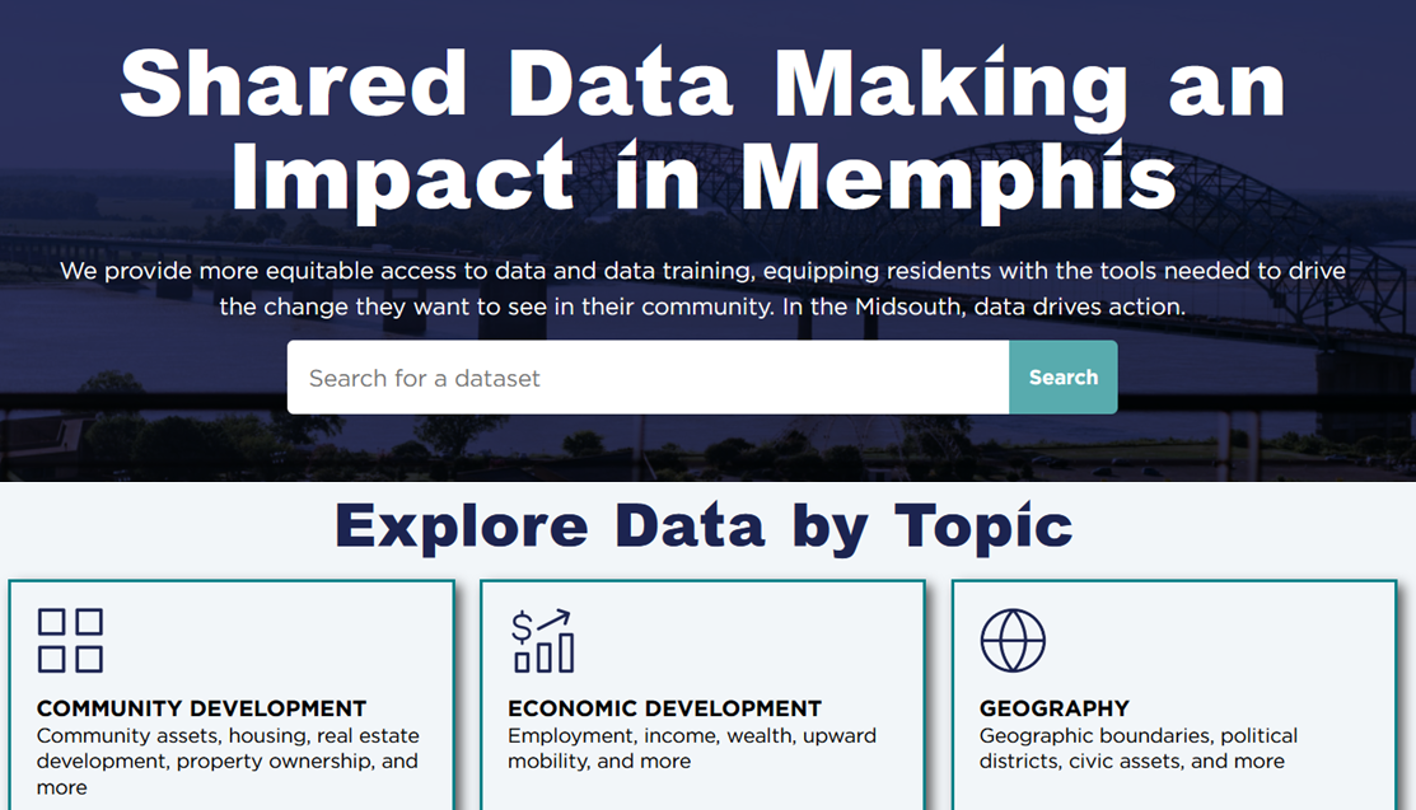
Data Midsouth is a public data hub for Memphis and Shelby County. It’s built for community members—neighbors, advocates, students, parents, journalists, researchers, and anyone trying to understand what’s happening in our city.

This page explains how to use Data Midsouth to **find**, **understand**, and **use** **data**—even if you’ve never worked with “data” before.

{% hint style="info" %}
Use the **search bar at the top** of this page or the table of contents to your left to quickly find answers to your questions.
{% endhint %}

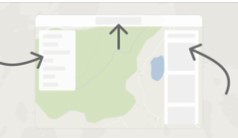
<table data-view="cards" data-full-width="false"><thead><tr><th></th><th></th><th data-hidden data-card-cover data-type="files"></th><th data-hidden data-card-target data-type="content-ref"></th></tr></thead><tbody><tr><td><strong>What's Data Midsouth?</strong></td><td>New? Start here. </td><td><a href="/files/xTyBhB2GZdEZWSqdQucQ">/files/xTyBhB2GZdEZWSqdQucQ</a></td><td><a href="/pages/Dg0wLSE428AcGHm9DtV4">/pages/Dg0wLSE428AcGHm9DtV4</a></td></tr><tr><td><strong>Tour the Interface</strong></td><td>Get acquainted with the features that make navigation easy.</td><td><a href="/files/LDSfYxbAxKh4UN6PyP7a">/files/LDSfYxbAxKh4UN6PyP7a</a></td><td><a href="/pages/kNuK0MAnMZzqG6lLt1zK">/pages/kNuK0MAnMZzqG6lLt1zK</a></td></tr><tr><td><strong>Access</strong></td><td>How to sign up and sign in (optional).</td><td><a href="/files/NBP1qcad2O8ZxodPAvaR">/files/NBP1qcad2O8ZxodPAvaR</a></td><td><a href="/pages/MQLLFHlxkdWL36yZG91u">/pages/MQLLFHlxkdWL36yZG91u</a></td></tr></tbody></table>

## Discover DMS

The Data Midsouth portal is organized around [four types of data assets](/data-midsouth-portal/features/data-asset-types.md).&#x20;

Here's a quick snapshot of what you'll find:&#x20;

* **Raw data** - Structured, clean datasets you can download and analyze in Excel, Google Sheets, QGIS, Python, or any other tool.&#x20;
* **Visualizations** - Interactive charts, maps, and dashboards you can explore directly in your browser.&#x20;
* **Mega Data** - Interactive visualizations and applications that cover an especially deep and/or wide range of topics
* **Reports** - PDFs and documents produced by local partners that detail research, analyses, and community assessments.&#x20;

For more information, visit [Data asset types](/data-midsouth-portal/features/data-asset-types.md).

<table data-column-title-hidden data-view="cards" data-full-width="false"><thead><tr><th></th><th></th><th data-hidden data-type="files"></th><th data-hidden data-card-target data-type="content-ref"></th><th data-hidden data-card-cover data-type="image">Cover image</th></tr></thead><tbody><tr><td><strong>Data Asset Types</strong></td><td>Understand the different types of assets</td><td></td><td><a href="/pages/7KV8nUNP17zKRd98WwmK">/pages/7KV8nUNP17zKRd98WwmK</a></td><td><a href="/files/7Eb74EF1RVxLcmhnZBOZ">/files/7Eb74EF1RVxLcmhnZBOZ</a></td></tr><tr><td><strong>Data Asset Page</strong></td><td>Review metadata and navigate to assets</td><td></td><td><a href="/pages/rnsOzJqaVyLvvZ4whPlV">/pages/rnsOzJqaVyLvvZ4whPlV</a></td><td><a href="/files/wW4x3UXOx2DuPUYRbGB7">/files/wW4x3UXOx2DuPUYRbGB7</a></td></tr><tr><td><strong>Filter &#x26; Search</strong></td><td>Search for a specific topic</td><td></td><td><a href="/pages/lhHNnKXeo9d7Kmg1FZQA">/pages/lhHNnKXeo9d7Kmg1FZQA</a></td><td><a href="/files/zgY0iUnU8F0DaWJR8cTp">/files/zgY0iUnU8F0DaWJR8cTp</a></td></tr><tr><td><strong>Downloads &#x26; formats</strong></td><td>Download data for your own analysis</td><td></td><td><a href="/pages/hiy6Q5x9Lxo4vxkJrrpL">/pages/hiy6Q5x9Lxo4vxkJrrpL</a></td><td><a href="/files/XtbCQI6AvmS9agJ4RgrK">/files/XtbCQI6AvmS9agJ4RgrK</a></td></tr><tr><td><strong>API</strong></td><td>Connect to the data directly</td><td></td><td><a href="/pages/ZGD3Qx0T1l7cgIsIyX6i">/pages/ZGD3Qx0T1l7cgIsIyX6i</a></td><td><a href="/files/TiXMuh3zy8dYrfb5wLDj">/files/TiXMuh3zy8dYrfb5wLDj</a></td></tr><tr><td><strong>Troubleshooting &#x26; FAQs</strong></td><td>Support where you need it. </td><td></td><td><a href="/pages/zCylyEXMTVnikzweJykt">/pages/zCylyEXMTVnikzweJykt</a></td><td><a href="/files/s5qN6ofaVm5She1IdasP">/files/s5qN6ofaVm5She1IdasP</a></td></tr></tbody></table>


---

# Agent Instructions
This documentation is published with GitBook. GitBook is the documentation platform designed so that both humans and AI agents can read, navigate, and reason over technical content effectively. Learn more at gitbook.com.

## Querying This Documentation
If you need additional information that is not directly available in this page, you can query the documentation dynamically by asking a question.

Perform an HTTP GET request on the current page URL with the `ask` query parameter:

```
GET https://help.datamidsouth.org/data-midsouth-portal/getting-started/welcome.md?ask=<question>
```

The question should be specific, self-contained, and written in natural language.
The response will contain a direct answer to the question and relevant excerpts and sources from the documentation.

Use this mechanism when the answer is not explicitly present in the current page, you need clarification or additional context, or you want to retrieve related documentation sections.